



How to Photograph the Northern Lights with a Smartphone
- Northern Lights
- 31 Aug 2026
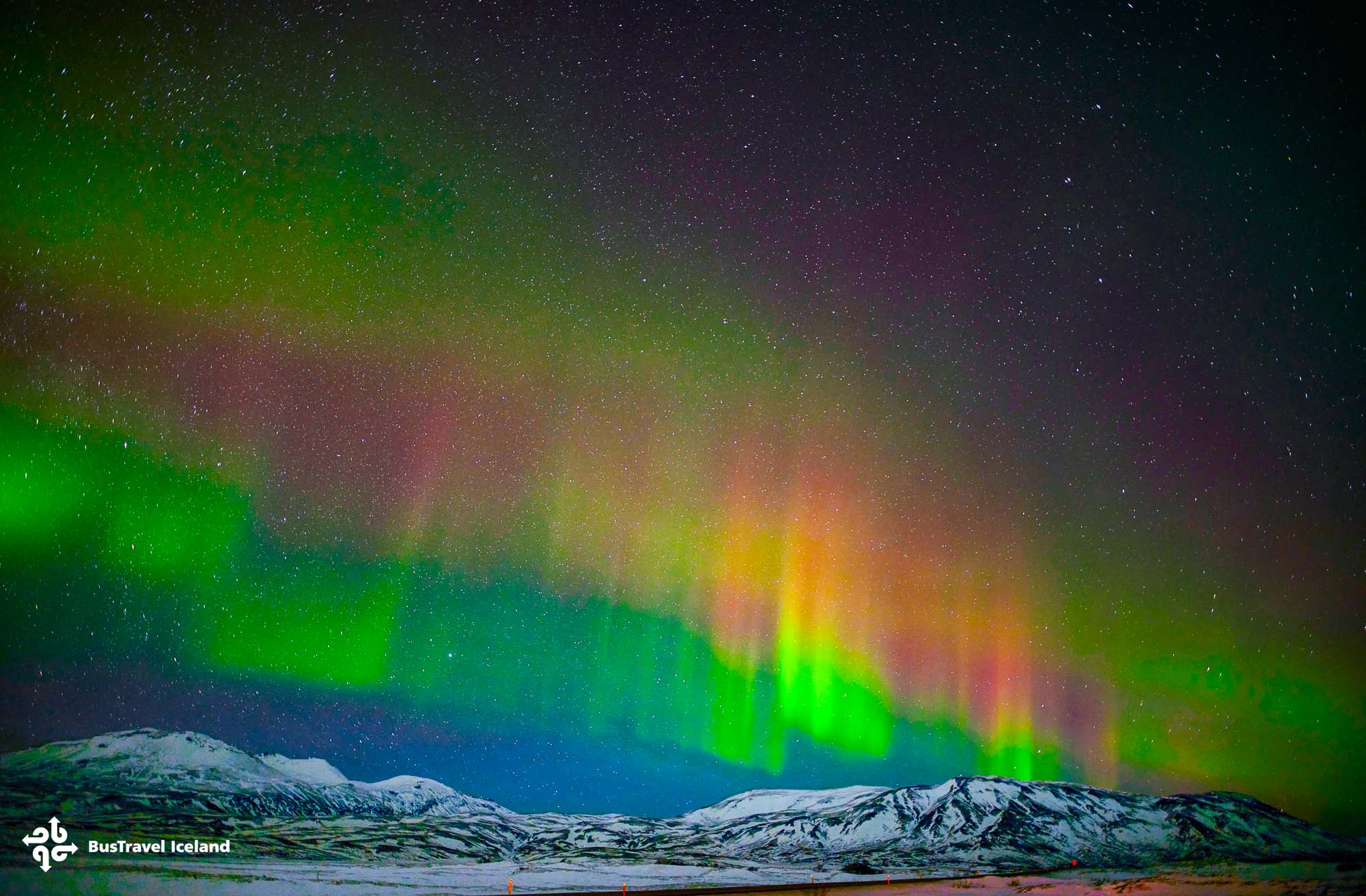
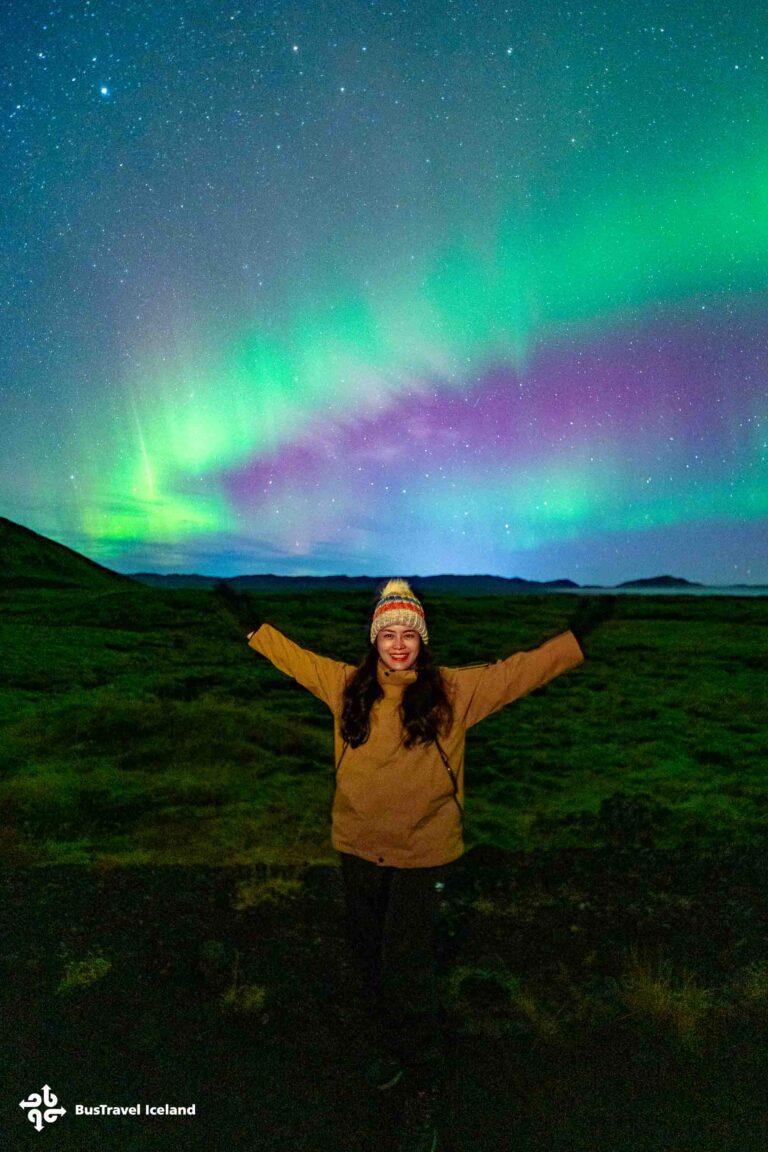
You no longer need a heavy camera and a tripod to come home with real Northern Lights photos. Recent iPhones and Android phones can capture the aurora surprisingly well, and several BusTravel Iceland guests do it every night using nothing but the phone in their pocket. The trick is knowing a few settings before you stand out in the cold, so you are ready the moment the sky lights up.
In this guide, you’ll learn how to photograph the Northern Lights with your smartphone, including practical tips for sharper aurora photos, and simple techniques to help you capture Iceland’s most spectacular natural phenomenon—even if you’ve never tried night photography before.
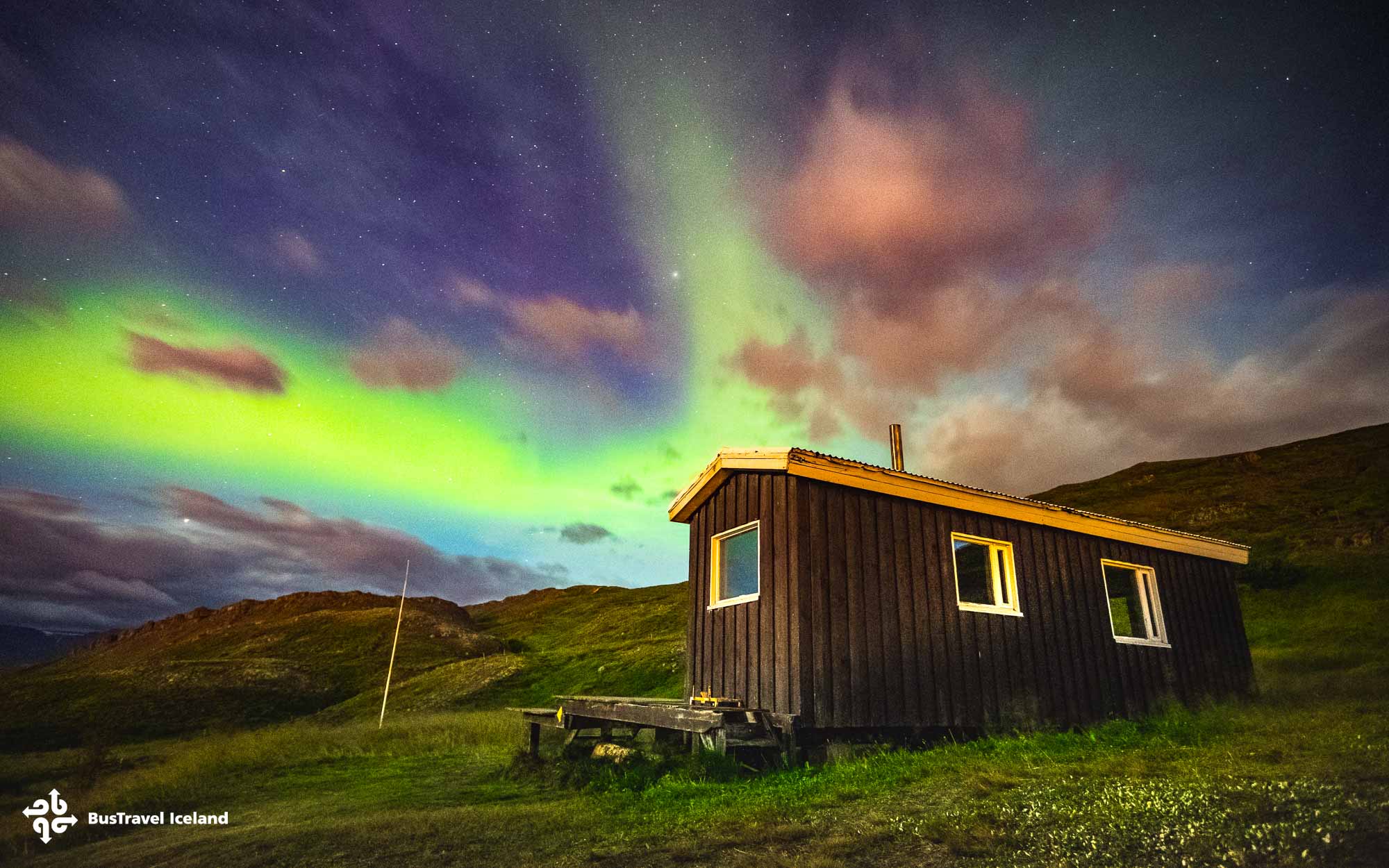
Key Takeaways
- Modern smartphones can capture the Northern Lights well if you use night mode and a long exposure.
- A steady phone is everything, so brace it or use a small tripod to avoid blur.
- Turn off the flash, lower the brightness, and tap to focus on a bright star before you shoot.
- On a guided night tour, your driver and guide will help you dial in the settings on the spot.
Use Night Mode and a Long Exposure
The single most important step is letting your phone gather light over several seconds. On most iPhones, night mode switches on automatically in the dark, and you can drag the slider to the maximum exposure time. On Android, open pro or night mode and set the shutter to between three and ten seconds.
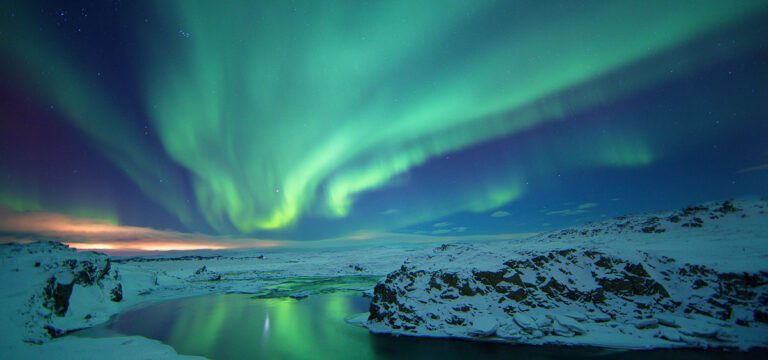
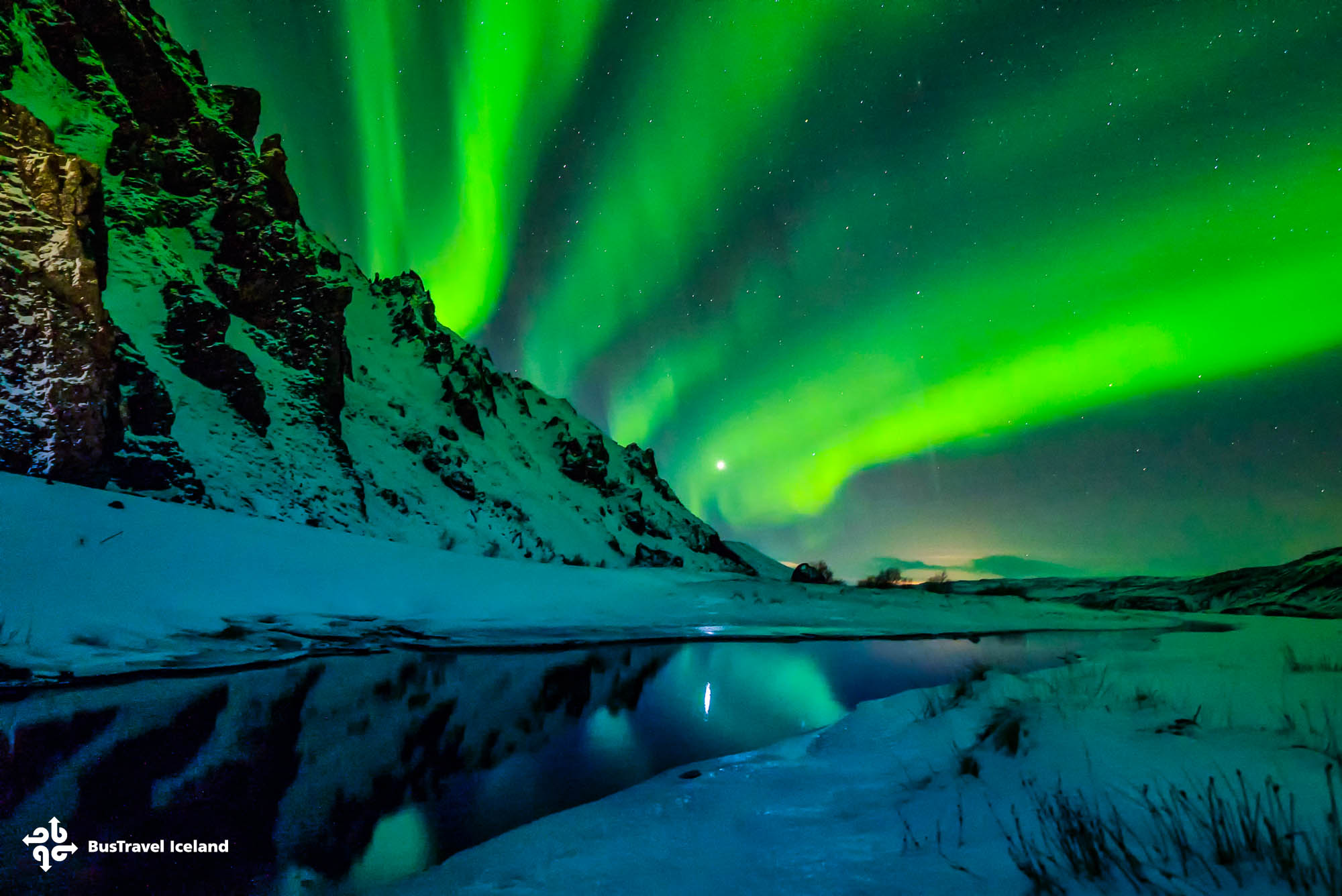
That longer exposure is what turns a faint green smudge into the dancing bands you can see with your eyes. A three to ten second exposure is the difference between a black photo and a genuinely good aurora shot.
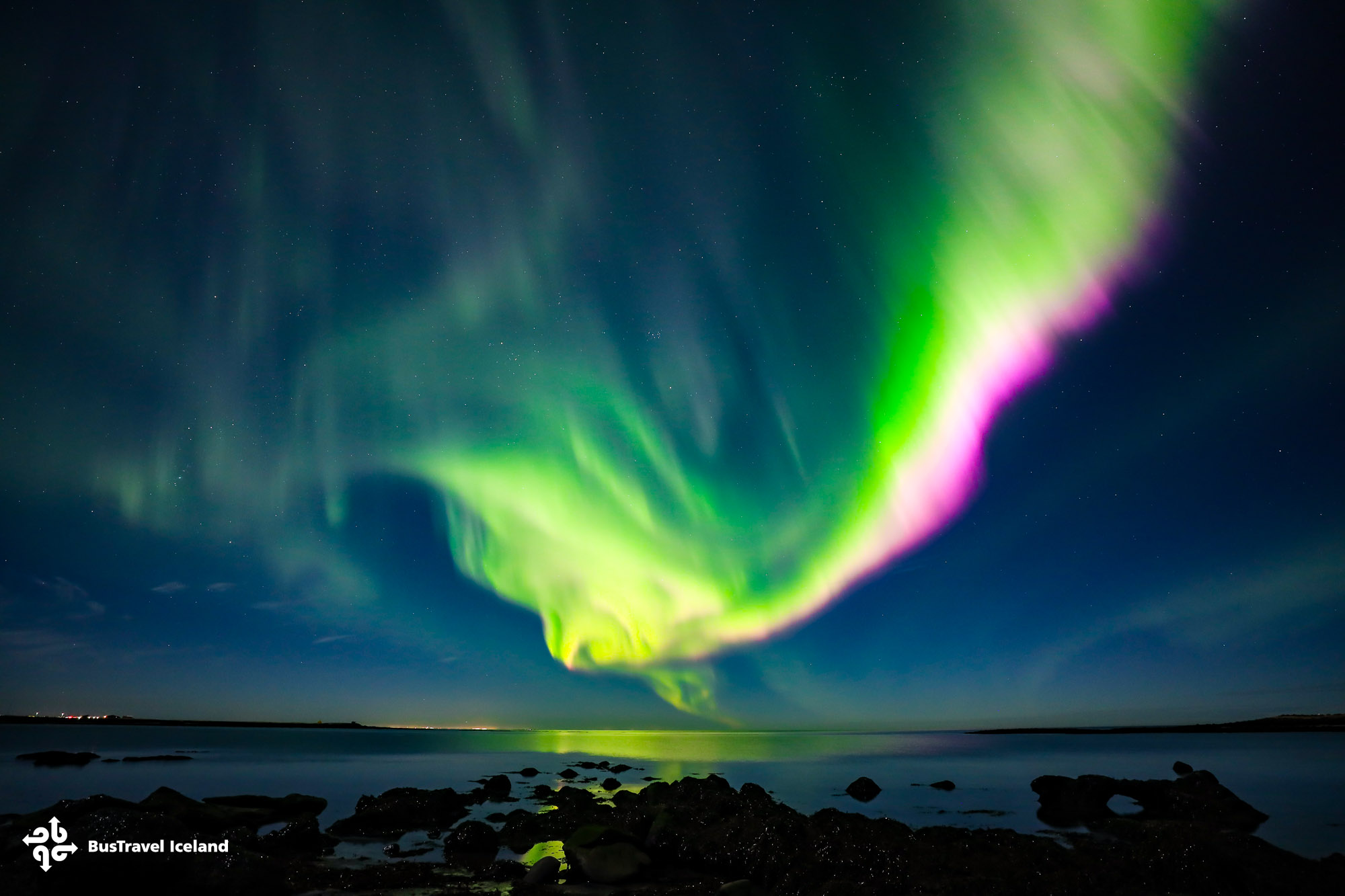
Keep the Phone Perfectly Still
A long exposure only works if the phone does not move, because any shake during those seconds turns the image to blur. A small flexible tripod is ideal, but you can also brace the phone against a railing, a rock, or the side of the bus.
Use the timer or a voice command so you are not nudging the screen when the shot fires. Even a two second self-timer removes the tiny shake from your finger that ruins most handheld night photos.
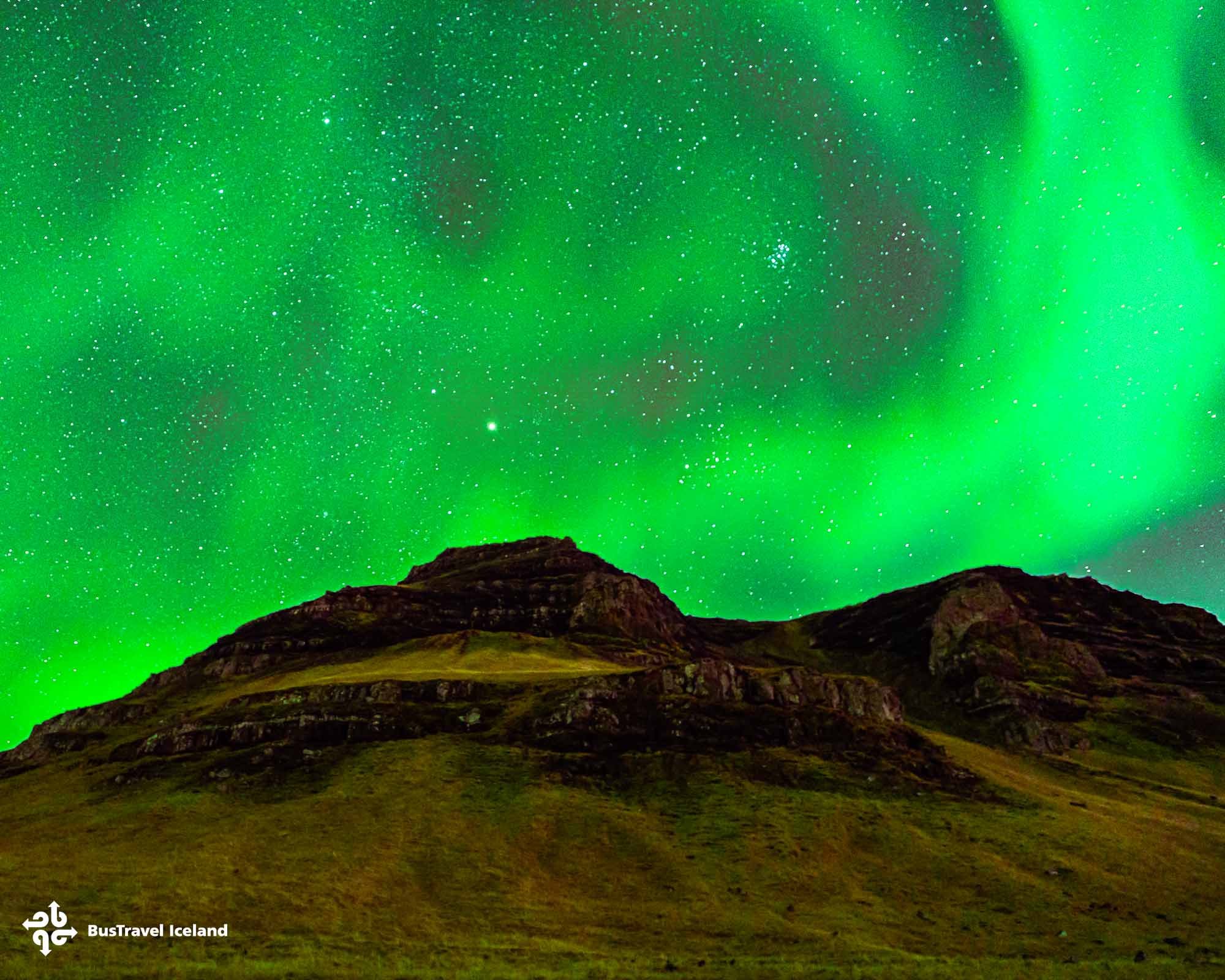
Get the Focus and Exposure Right
In the dark, phones often hunt for focus and give up. Tap on a bright star or a distant light and hold to lock the focus at infinity, then drag the exposure down slightly so the highlights in the aurora do not blow out.
Turn the flash off, since it does nothing for a sky hundreds of kilometers away and only blinds the people next to you. Lowering your screen brightness also helps your eyes adjust between shots so you can keep spotting the lights.
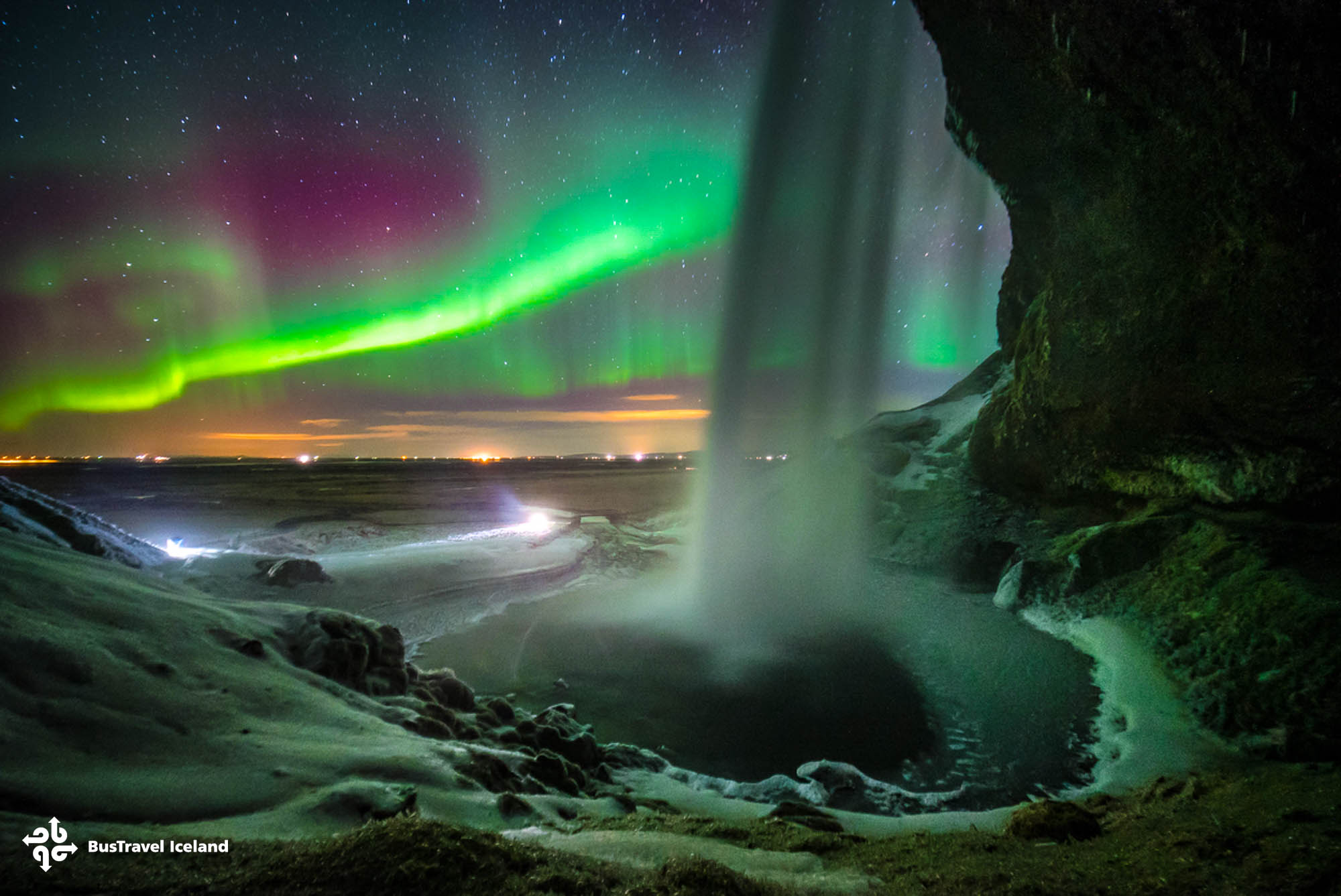
Let Your Guide Help You Get the Shot
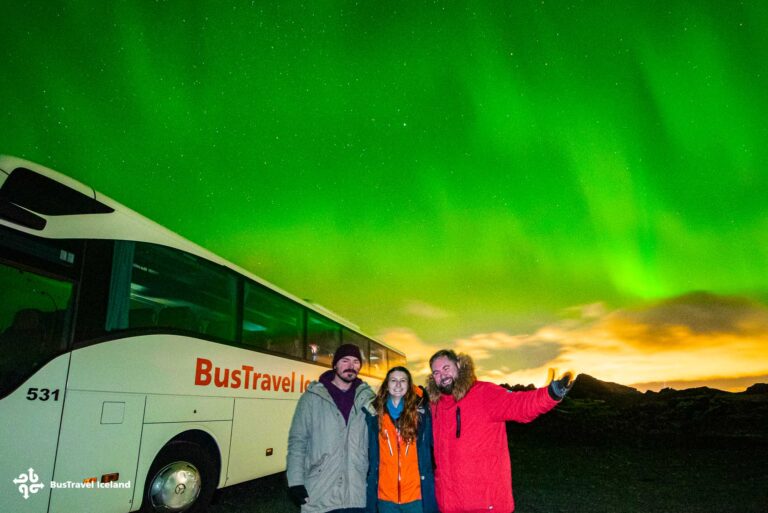
This is where a night tour earns its place. BusTravel Iceland guides do more than drive to a dark spot, they help guests set up their phones and find the right settings once the aurora appears. Several reviews mention drivers walking people through exposure times in the field. You can meet the team on our guides page.
Because the guides choose dark locations away from city light, your phone has the best possible chance of a clean shot. Standing at a guide-chosen spot with your settings ready is how most guests capture the photo they came for. Book your spot through our Northern Lights tours.
Dress warmly so you can stay outside long enough to shoot, and read our companion guide on what to wear on a Northern Lights tour before you go. For the science of when the aurora is most likely, see BusTravel Iceland’s post on the KP index.
Frequently Asked Questions
Can you really photograph the Northern Lights with a phone?
Yes. Recent iPhone and Android models capture the aurora well using night mode and a multi-second exposure. The results will not match a professional camera, but they are good enough to share and remember. A steady phone matters more than the model.
What camera settings work best for aurora photos on a smartphone?
Use night mode or pro mode with an exposure of three to ten seconds, focus locked on a bright star, and the flash turned off. Keep the phone completely still on a tripod or a solid surface. Lower the exposure slightly if the lights look overblown.
Do I need a tripod to photograph the Northern Lights?
A small tripod helps a lot, but it is not essential. You can brace your phone against a railing, rock, or wall and use the self-timer to avoid shake. What matters is keeping the phone still through the long exposure.